
Osool Studio
Brand consistency, export, and sharing options
What is currently available in Studio and what needs product confirmation around social publishing and sharing.
Product Screenshots
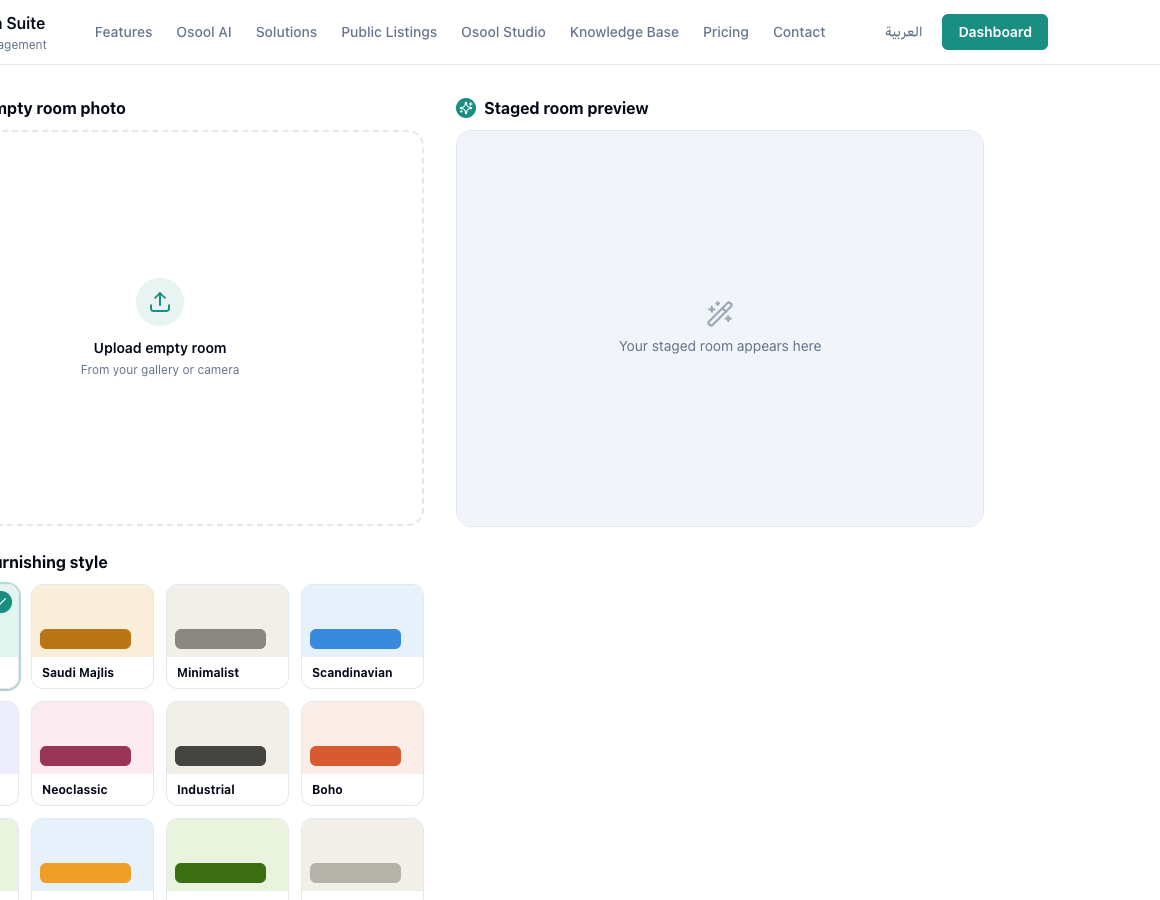
Currently available
Studio supports image generation, saved gallery results, and image downloads. Free outputs may include a visible watermark.
Needs Product Review
Direct social media publishing, brand template controls, and in-app sharing options are not clear enough to document as completed capabilities.
Image data before using Studio
Start with a clear original unit photo, then choose room type and a style that fits the audience. Review credits and gallery output before generating many versions.
Use AI-staged images clearly for marketing and do not present them as physical reality if furniture is virtual.
- Original image
- Room type
- Style
- Credits
- Gallery
- Clear usage
How to apply this inside the agency
Turn the article into a small dashboard action: open the related record, review the data, make the appropriate update, then document the outcome so the rest of the team can see it.
If the action involves a financial, regulatory, owner, or tenant-impacting decision, ask the responsible role to review it before final approval.
- Open the record
- Review data
- Take action
- Document outcome
- Escalate when needed
Product status and review needed
This workflow needs Product Review. Use it as conceptual guidance only until Product confirms the final status.
If a step described here is not visible in the agency dashboard, treat it as not enabled for your account and check with your admin or Product.
Related Articles
Osool Studio
Creating marketing images with Osool Studio
Use virtual staging to turn an empty-room photo into a review-ready marketing image.
Read articleOsool Listings
Real estate marketing workflow and reducing WhatsApp and Excel handoffs
How public links and inquiry tracking reduce scattered conversations and spreadsheets.
Read articleOsool Studio
Run Osool Studio: images, credits, and export workflow
How to use Osool Studio to prepare marketing images for units while tracking credits, gallery output, and available sharing options.
Read article