
Admin, Settings, and Account Management
Subscription, limits, and live workspace readiness
What an agency admin should know about plan limits, sample workspaces, and moving into live operations.
Product Screenshots
Understand plan limits
The plan may affect users, features, integrations, or AI tools. Review subscription or settings before assuming every feature is enabled.
If a feature does not appear in your account, the reason may be permissions, subscription, or product status.
Sample workspace vs live operations
A sample workspace helps training, but it should not mix with real customer data. When moving to live operations, review data, permissions, and public links before publishing.
- Clean data
- Review users
- Configure public links
- Review integrations
- Confirm subscription
Before scaling up
Before adding the full portfolio, test one or two properties with leases, collections, owners, and listings. If the workflow works, move to larger import.
What needs review
Plan pricing or subscription limits may change. Use the current subscription page or official agency documentation for commercial decisions.
Settings that affect every user
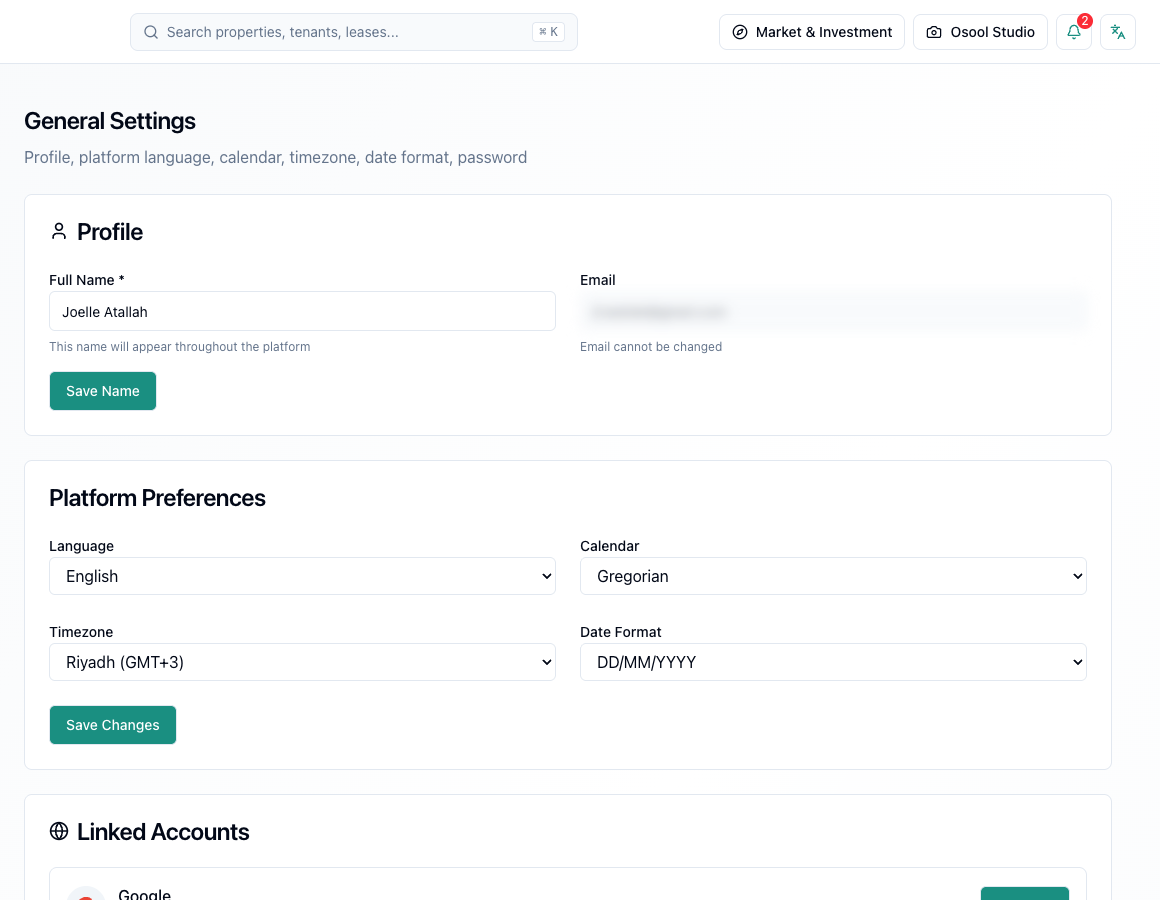
Review language, timezone, calendar, agency details, permissions, and linked accounts before investigating differences in dates, access, or reports.
Do not give broad permissions to users who do not need them. Excess permissions increase the risk of accidental financial or operational edits.
- Language
- Timezone
- Calendar
- Agency details
- Permissions
- Linked accounts
How to apply this inside the agency
Turn the article into a small dashboard action: open the related record, review the data, make the appropriate update, then document the outcome so the rest of the team can see it.
If the action involves a financial, regulatory, owner, or tenant-impacting decision, ask the responsible role to review it before final approval.
- Open the record
- Review data
- Take action
- Document outcome
- Escalate when needed
Product status and review needed
This is documented as an available workflow, but results can still vary by user permissions, agency settings, and data quality.
If a step described here is not visible in the agency dashboard, treat it as not enabled for your account and check with your admin or Product.
Related Articles
Admin, Settings, and Account Management
Agency settings, account, and public links
Settings that affect public identity, listings, and agency data.
Read articleAdmin, Settings, and Account Management
Account security, roles, and audit logs
How to configure account language, timezone, user roles, and permissions before granting access to agency data.
Read articleAgency Dashboard
Excel and file import readiness
How to prepare property, unit, and tenant files before importing so bad data does not enter the agency dashboard.
Read article